
Speak to an Account Manager
 +1 (800) 763-7503
Tools for Designers:
Trace Width, Current Capacity and Temperature Rise Calculator
Input Your Specs to Get StartedSierra Circuits’ Trace Width, Current Capacity and Temperature Rise Calculator is an advanced PCB design tool based on the IPC-2152 standard.
It helps you accurately compute the line width (internal and external) based on electrical load, thermal requirements, and real-world board conditions.
The calculator allows you to determine any one of the following parameters by providing the other two:
- Conductor width
- Maximum current capacity
- Temperature rise above ambient
You can also define advanced requirements to get accurate results that suit your design.
The current-carrying capacity of a conductor depends primarily on its width, thickness, and heat dissipation capability. If a trace is undersized, excessive temperature rise can lead to damage or board failure.
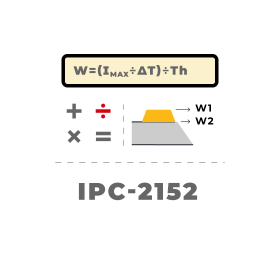
IPC 2152 defines how temperature rises in internal and external conductors due to current flow, presenting the data in graphical form. Sierra Circuits has analyzed these graphs and incorporated curve-fitting equations into this tool to deliver fast, repeatable, and standard-compliant results.
Key features of the calculator
- Offers three-in-one calculation: Determines conductor width, maximum current capacity, or temperature rise using any two known parameters.
- Applies IPC-2152–based modeling: Derives results from curve-fitting equations based on IPC-2152 graphical data.
- Computes electrical characteristics: Displays trace resistance at ambient and elevated temperatures, voltage drop, and power loss at maximum current.
- Supports internal and external traces: Models thermal behavior for different layer locations.
- Accounts for advanced design parameters: Incorporates PCB material properties, copper plane influence, board dimensions, separation distance, and safety factor for improved accuracy.
How to use the Trace Width, Current Capacity and Temp Rise Calculator
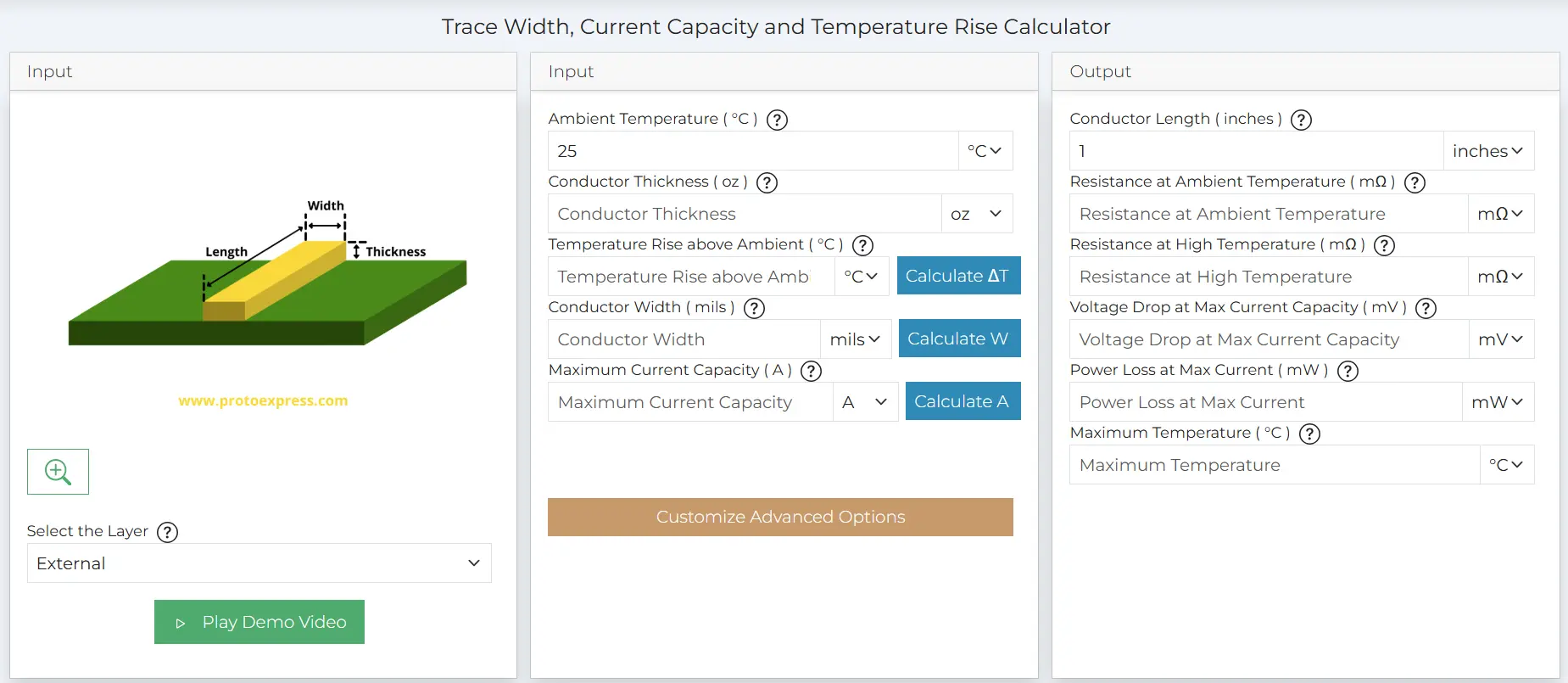
Step 1: Select the layer (Internal/External).
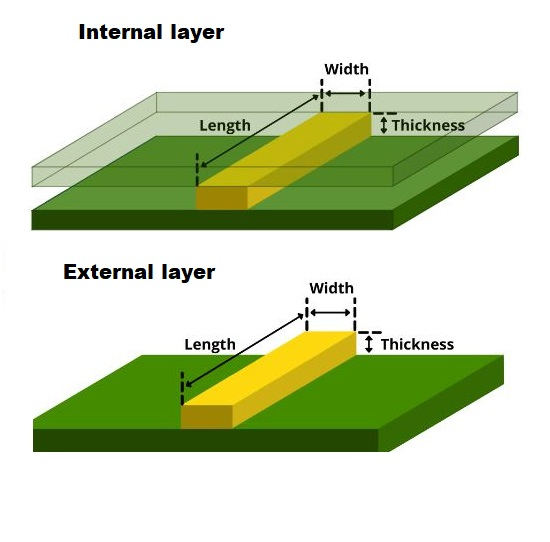
Step 2: Enter the following input parameters:
- Ambient Temperature (°C)
- Conductor Thickness (oz)
- Temperature Rise above Ambient (°C)/Conductor Width (mils)/Maximum Current Capacity (A) (any of 2 these)
- Conductor Length
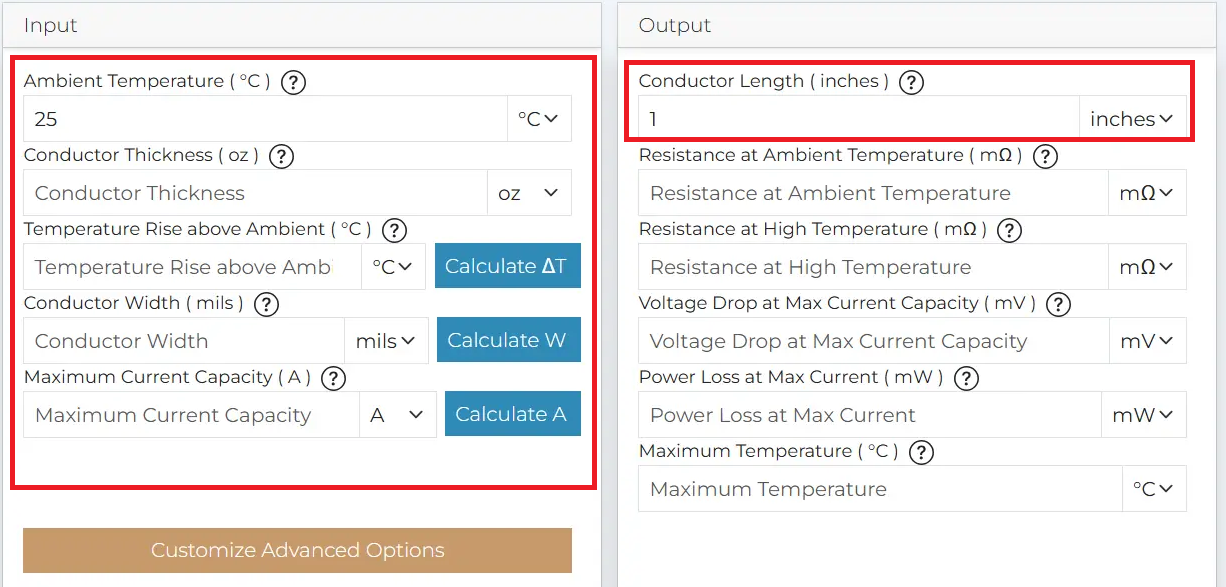
The default ambient temperature and conductor length are 25°C and 1 inch, respectively. These values can be adjusted as required. Units for each parameter can be changed using the corresponding drop-down menus.
Step 3: Click Customize Advanced Options to add enhancement parameters that reflect your PCB conditions. This step is optional. You can select the appropriate Calculate button to view results based on the standard inputs (mentioned in steps 1 and 2).
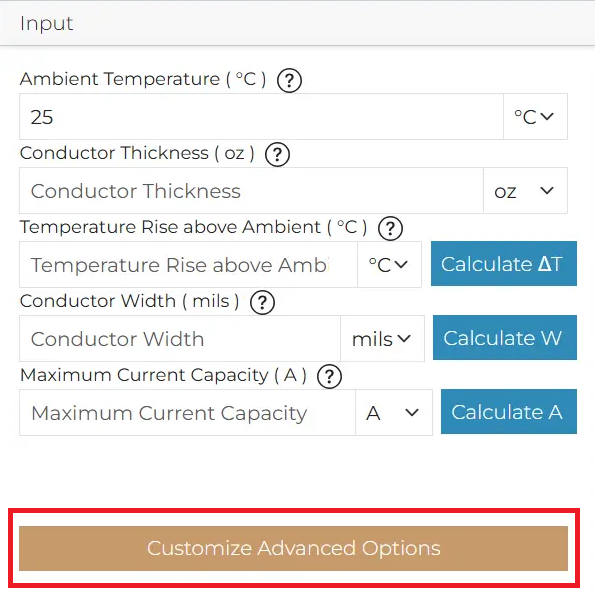
The following parameters are pre-populated with the default values and can be modified based on your board construction and layout:
PCB Inputs
- PCB Thickness (inches)
- PCB Material
- Thermal conductivity of PCB Material (W/mK)
Copper Plane Details
- Thickness of the nearest copper plane (t) (oz)
- Length of PCB (inches)
- Width of PCB (inches)
- Layer type (Signal/Mixed/Plane/Custom)
- Copper area %
- Separation between nearest copper plane and trace(s) (inches)
- Safety factor (%) (This adjusts the calculation margin. Lower values produce more conservative results. By default, this parameter is set to 40%)
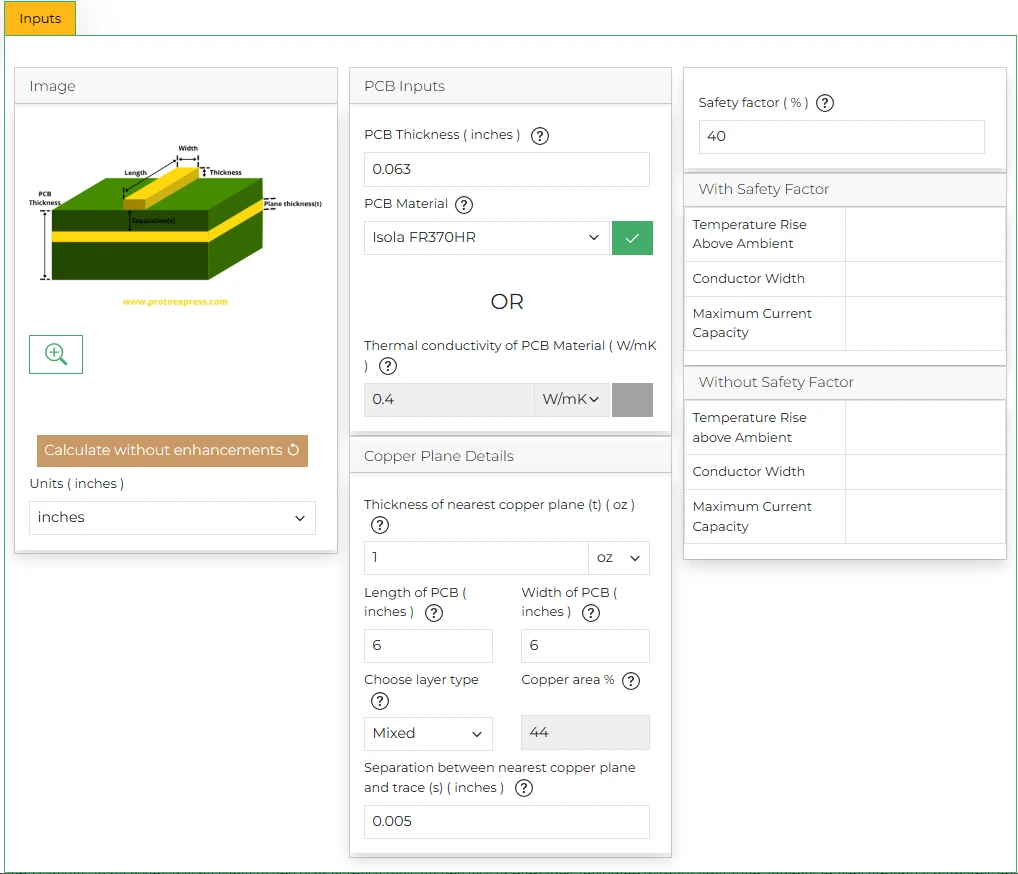
If you do not wish to account for these practical inputs, hit Calculate without enhancements.
After defining these parameters, close the Customize Advanced Option window and proceed to the next step.
Step 4: Click Calculate next to the parameter you wish to determine (Temperature Rise above Ambient/Conductor Width/Maximum Current Capacity).
For instance, let’s calculate the conductor width for an external layer with the following characteristics:
- Ambient Temperature = 30°C
- Conductor Thickness = 1 oz
- Temperature Rise above Ambient = 20 °C
- Maximum Current Capacity = 3A
- Conductor Length = 1 inch
- PCB Thickness = 0.063 inch
- Thermal conductivity of PCB Material = 0.4 W/mK
- Thickness of nearest copper plane (t) = 1 oz
- Length of the PCB = 6 inches
- Width of the PCB = 6 inches
- Choose layer type = Mixed
- Separation between nearest copper plane and trace(s) = 0.005 inch
- Safety factor (%) = 40%
The tool displays the following results:
- Conductor Width = 35.091 mils
- Resistance at Ambient Temperature = 14.126 mΩ
- Resistance at High Temperature = 15.207 mΩ
- Voltage Drop at Max Current Capacity = 45.62 mV
- Power Loss at Max Current = 136.86 mW
- Maximum Temperature = 50°C
The Trace Width, Current Capacity, and Temperature Rise Calculator helps you determine safe, manufacturable trace dimensions based on your design constraints. By combining IPC-2152-based modeling with advanced design parameters, the tool computes accurate thermal and electrical parameters. For more such tools, visit our designer’s tools page.
Watch the demo of our Trace Width Calculator

Sierra Circuits has developed easy-to-use tools for PCB Designers and Electrical Engineers at every stage of circuit board development.




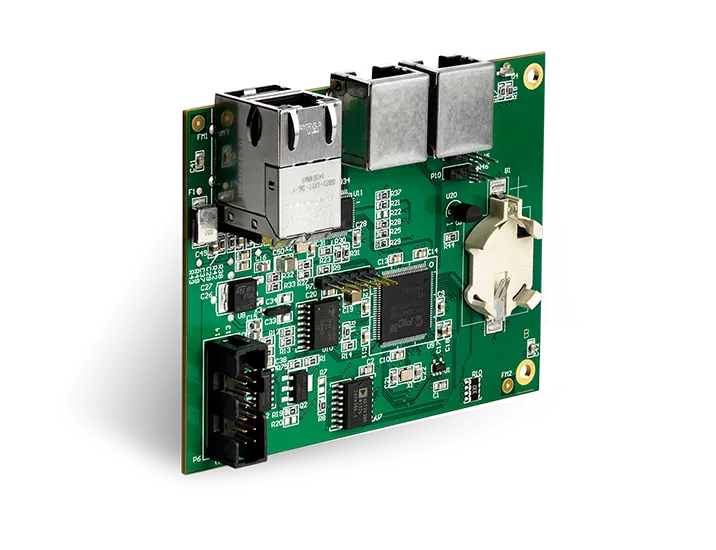
Fabrication, Procurement, & Assembly. PCBs fully assembled in as fast as 5 days.
- Bundled together in an entirely-online process
- Reviewed and tested by Engineers
- DFA & DFM Checks on every order
- Shipped from Silicon Valley in as fast as 5 days
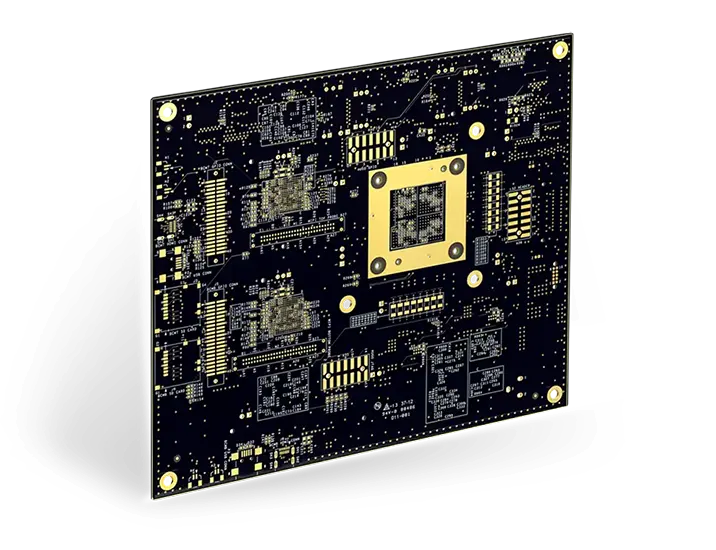
Fabrication. Procurement & Assembly optional. Flexible and transparent for advanced creators.
- Rigid PCBs, built to IPC-6012 Class 2 Specs
- 2 mil (0.002″) trace / space
- DFM Checks on every order
- 24-hour turn-times available
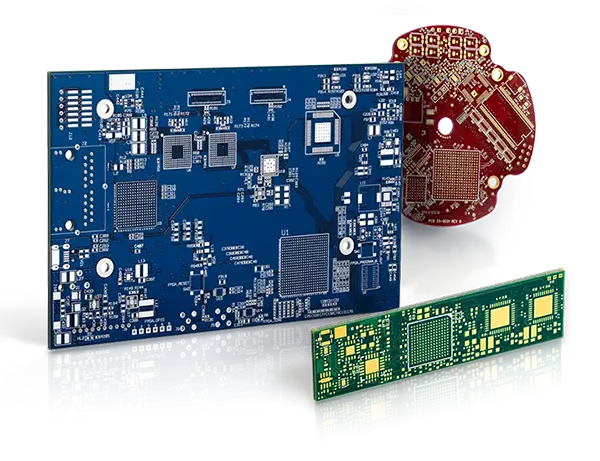
Complex technology, with a dedicated CAM Engineer. Stack-up assistance included.
- Complex PCB requirements
- Mil-Spec & Class 3 with HDI Features
- Blind & Buried Vias
- Flex & Rigid-Flex boards